Improving CCH Data Axcess Utility Reliability with Automation
Steven Duc Tran, CPA, CIA · · Updated October 11, 2026
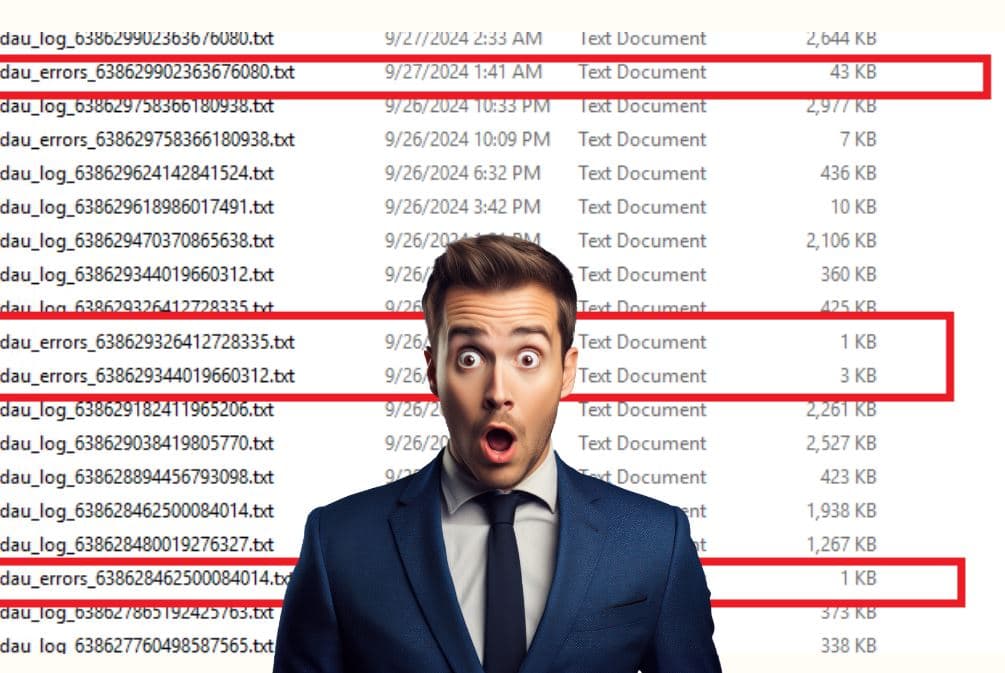
CCH Data Axcess Utility (DAU) is a powerful tool that benefits from monitoring
CCH Data Axcess Utility is a paid add-on in the CCH Axcess Suite designed to download data from CCH Axcess Practice and Workstream to a local SQL database called “CCH_ENT”, which then enables users to perform all kinds of data analytics and build automation solutions.
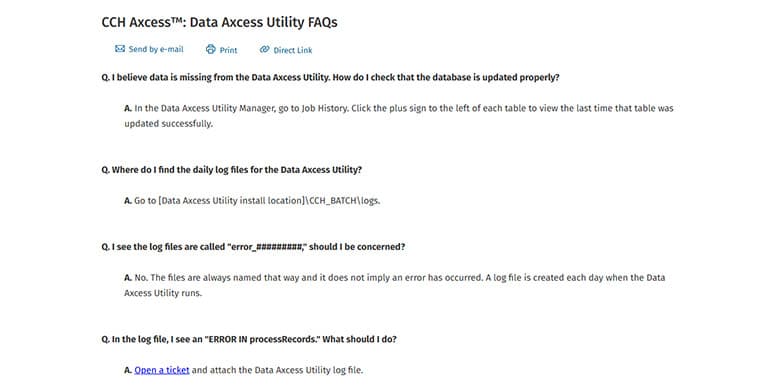
On an on-going basis, it’ll use an “incremental” approach to bring in any new data into the local database. As with any scheduled sync, a refresh can occasionally miss data, and CCH publishes a troubleshooting article for those cases (click here to visit).
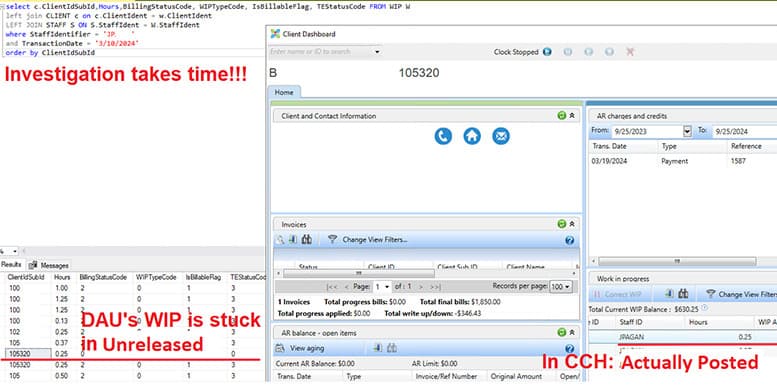
Investigating takes time. Your IT or service provider has to check the Data Axcess Utility log manually, and a support ticket may be needed. Meanwhile, report users are left wondering whether the numbers are current.
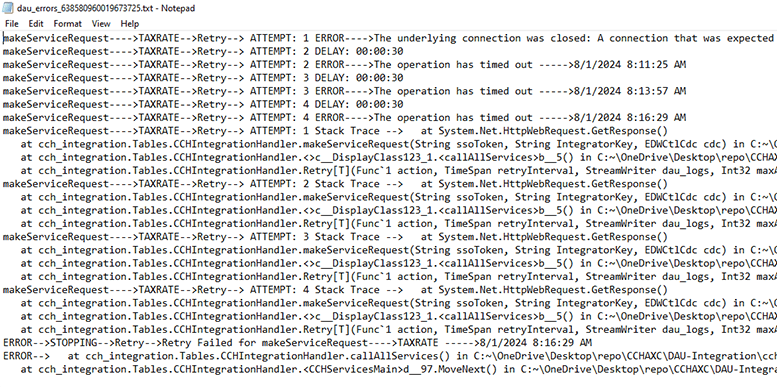
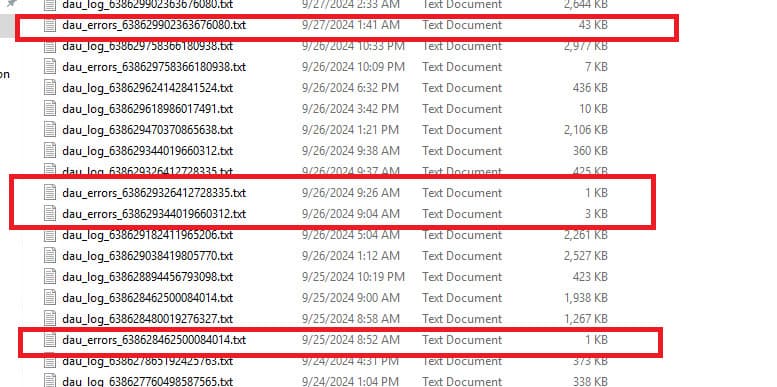
Timely notifications for CCH Data Axcess Utility
Our RPA will notify users about the latest status of the DAU via email and/or a widget that can be added to any of the existing or new Power BI Reports so all report users are well informed. Is the data accurate compared to the live CCH Axcess Practice reports? Report users always know where the data stands.



If data is missing, our RPA will tell you exactly where to find the missing pieces
Our RPA automatically compares certain figures between the DAU database and CCH Axcess at the client level, so the discrepancies are narrowed down so you can find out the patterns and quickly investigate the issue, if needed.


Our RPA will automatically force refresh certain tables and validate the data again
Most often time, Data Axcess Utility data issue can be resolved by doing a FULL refresh. The RPA will automatically refresh the table having issues, wait for it, and validate the result again. You’ll be notified when it’s all done.

With the CCH Data Axcess Utility under control, you can now proceed with your innovation initiatives
We’ve built hundreds of Dashboards and Automations for firms running CCH Data Axcess Utility, just like you.
-
Firm KPI Analysis DashboardQuick overview of all common KPI to manage your firm’s operations, specifically: WIP, Billing and AR for current year vs. prior year, broken down by department, Line of Business, Primary Services, Primary Partners, etc… Faciliate your strategy discussion for the next year or quarter
-
Configuration Analysis ReportAnalyze your firm’s configuration of CCH Axcess Practice and Workstream to identify opportunities to optimize the config. Common issues includes are: dormant active clients/staff/projects, inconsistent use of Line of Business/Primary Service Types/Business Units/Offices/Departments, etc…
-
Project Assignment w Budget vs. ActualMonitor Project Assignments to track workload and resource viability, prevent projects from going over budget or datelines, prevent overloading the staff/managers, catch time entries booked to the wrong projects, etc…
-
Time Entry Reminder AutomationsIdentify staff missing or unexpectedly exceeding weekly time entry goals to catch missing/incorrect time entries from early on, prevent missed/incorrect revenues, improve accuracy of WIP data for billing and staff evaluation purpose, save time on administrative processes
-
Migrate or mass update client/staff/projectSupport data cleansing effort to bulk update/create client/staff/project data in bulk, ensuring consistent data for operational reports or client relationship management. Support migration initiatives from Axcess to Axcess or between Axcess and another system.
-
Syncing data to Accounting SystemSeamlessly sync CCH Axcess’s Client/Project/Invoice data to Accounting System such as Quickbooks Online, leveraging financial reporting capability of Accounting system while keeping the Time Entry/Billing/Payment within Axcess.
Got an idea to challenge us? Don’t hesitate to reach out!
View more CCH Axcess Enhancements for your firm:
CCH Axcess Enhancements - From Data to Insight with API, BI and RPA
- Data Axcess Utility
- CCH Axcess
- RPA
- Data quality
- Power BI